How NoiseWorks VoiceAssist Gives You Your Time Back
- by Peter Natale
- From The Producer's Desk
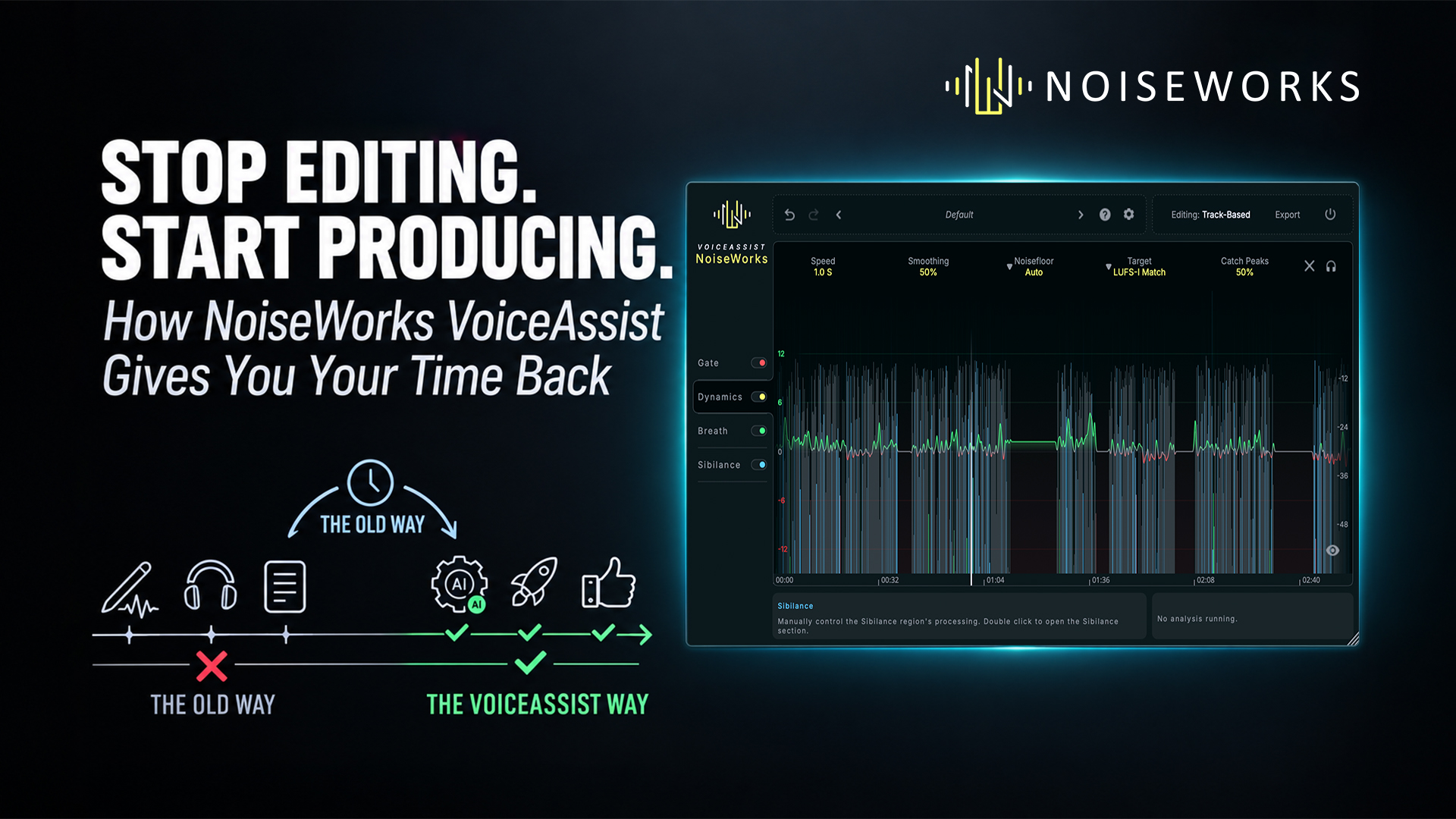
There is a strange reality about producing music.
The moments we remember are the creative ones. Writing the vocal part. Finding the perfect sound. Building the arrangement. Getting the drums to hit. Making a chorus suddenly feel enormous.
What we don't remember are the hours spent doing the things that had to happen before any of that could happen. Cleaning up vocal takes. Removing background noise. Fixing inconsistent levels. Hunting down harsh S's. Manually adjusting breaths. Cutting mouth noises. Chasing resonances. Drawing clip gain automation. It's necessary work. It's just not particularly creative work.
NoiseWorks VoiceAssist was designed to take a huge amount of that work off your plate. And for producers who work with vocals regularly, the biggest feature might not be any individual processor inside VoiceAssist.
It's the time you get back.
The Problem With Vocal Editing

A great vocal performance isn't automatically a great vocal recording.
Even in a professional studio, vocal tracks can contain breaths, mouth noises, harsh consonants, inconsistent dynamics, room reflections and resonances. In a home studio, rehearsal space or less-than-ideal recording environment, those problems can multiply.
Traditionally, dealing with them means building a chain of corrective plugins and then manually editing the audio around them. Noise reduction. EQ. Gating. De-essing. Compression. Clip gain. Automation. Then you listen again and discover one phrase needs completely different treatment. Before you know it, you're no longer producing.
You're editing.
VoiceAssist takes a different approach. It analyzes the vocal and handles many of these repetitive tasks for you, creating editable processing and automation directly on the audio. The goal isn't to hand your vocal over to a mysterious black box.
It's to let the software handle the repetitive groundwork while you remain in control of the result.
Start With a Better Vocal
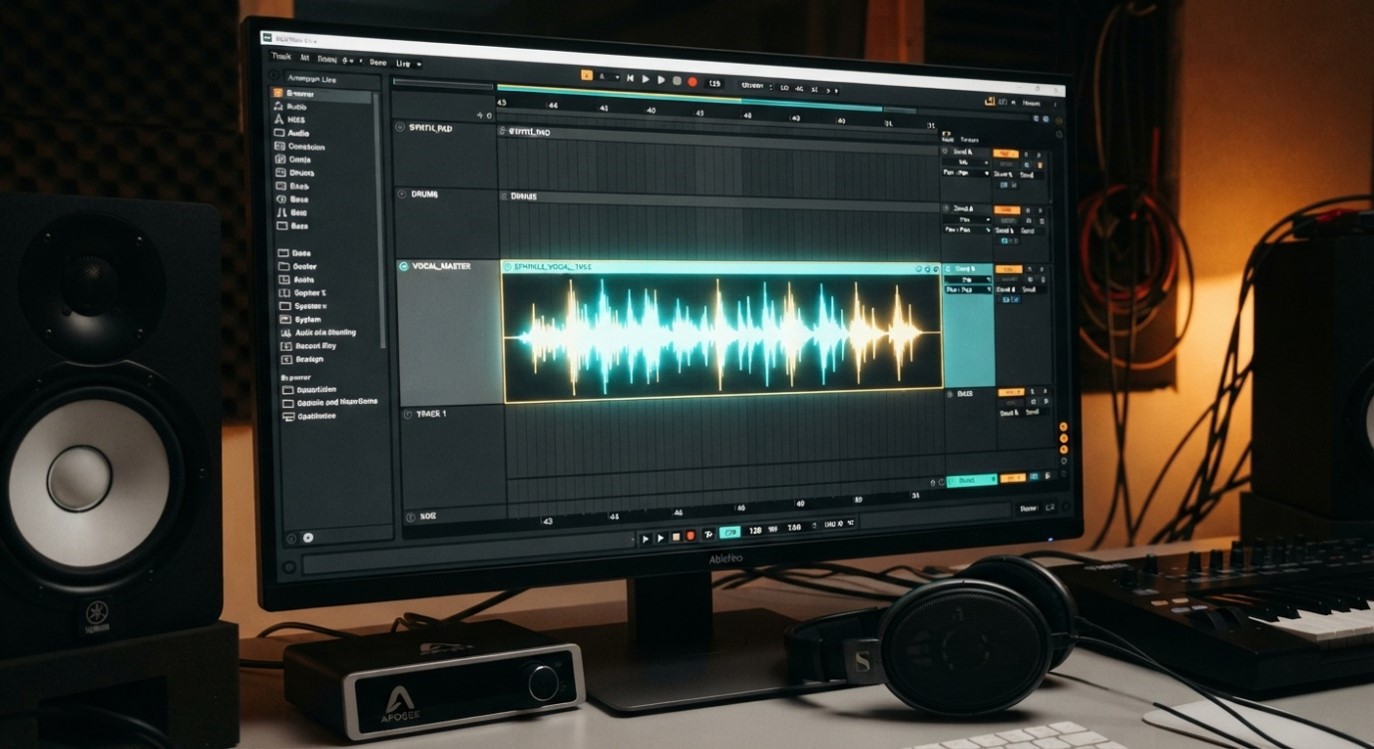
One of the biggest advantages of VoiceAssist is getting a vocal into a workable state before you start making creative mix decisions.
Its cleanup tools can reduce background noise and reverb, while Frequency Recovery can help restore high-frequency detail lost through recording conditions or microphone placement.
That changes your starting point.
Instead of listening to a vocal and thinking, "How am I going to fix this?"
You can start thinking:
"What do I want this vocal to sound like?"
That's a much better place for a producer to be.
Let VoiceAssist Do the Clip Gain Work
This may be one of the biggest time savers in the entire workflow.
Before a compressor can work properly, a vocal often needs to be leveled. One word is too quiet, the next phrase is too loud, the singer moves away from the microphone, or the chorus suddenly jumps out of the mix.
Traditionally, that means drawing automation or adjusting clip gain by hand. VoiceAssist analyzes the performance and creates custom volume automation based on your settings. It can target LUFS-I and LUFS-S levels while also helping control peaks. The result is a vocal that arrives at your compressor much more consistently. Your compressor can then do what you actually want it to do:
shape the sound.
Instead of spending its time correcting wildly inconsistent levels, it can add character, punch, warmth and control.
Breaths, Sibilance and Mouth Noise

Breaths are part of a performance, but not every breath belongs at full volume in the final mix.
VoiceAssist detects breaths and lets you adjust the intensity and boundaries of the processing. You can also add, remove or modify detected regions manually. The same philosophy applies to sibilance. VoiceAssist includes spectral processing designed to target harsh frequencies within sibilant sounds rather than simply turning down the entire signal.
And then there are the tiny distractions that can take forever to find: mouth clicks, lip noises and other artifacts.These aren't necessarily difficult problems to fix. They're just tedious to find and fix one by one. VoiceAssist can handle those tasks as part of the same workflow.
Fix Problems You Didn't Hear When You Recorded
Some vocal problems only become obvious once you start mixing. A little room resonance. A muddy low end. A thin recording. A fan running in the background. A microphone position that wasn't quite right. A room reflection that suddenly becomes obvious once compression is applied. VoiceAssist includes tools for noise reduction, dereverberation, low-end recovery, resonance reduction and pitch-based low-cut processing. Again, the value isn't that these problems are impossible to solve manually.
The value is that you don't have to spend your afternoon hunting for them.
One Workflow Instead of Five
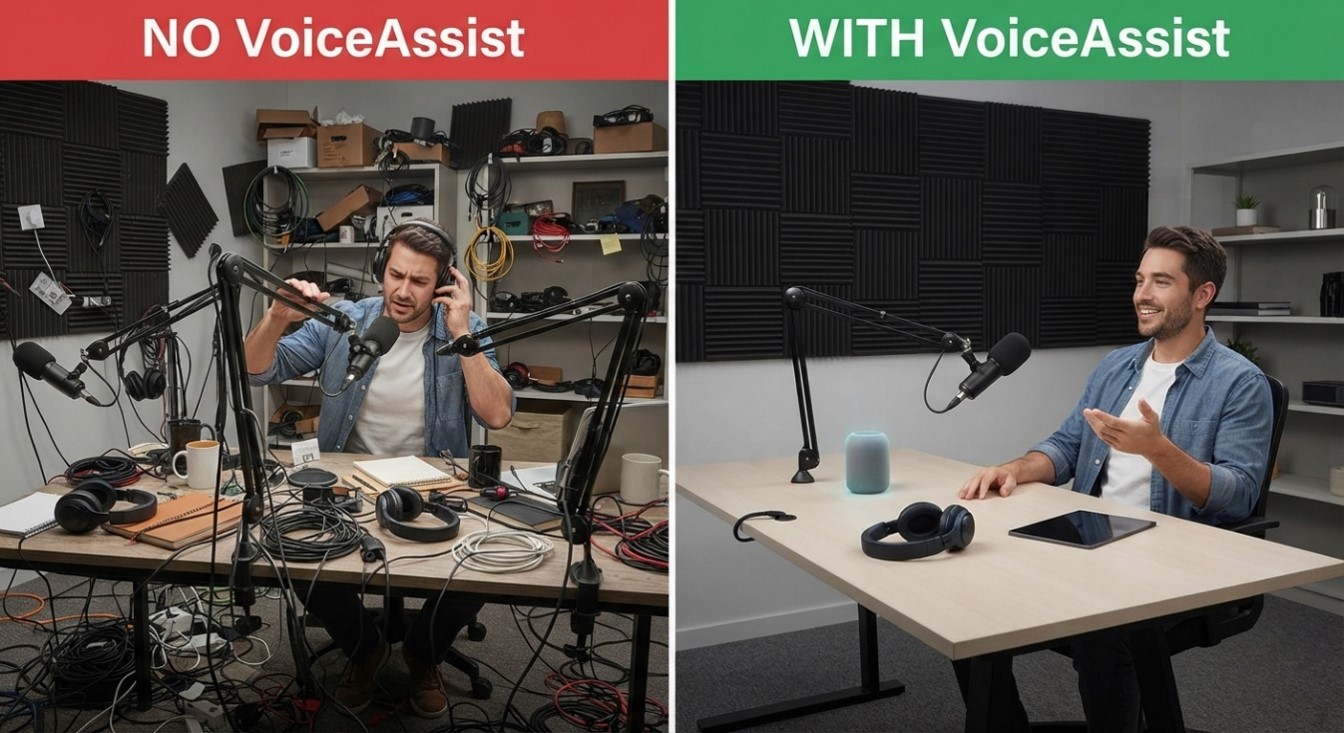
This is what makes VoiceAssist particularly interesting for producers.
The value isn't simply that it has noise reduction, leveling, breath control, sibilance management or resonance reduction.
It's that these jobs can happen within the same workflow.
Less plugin hunting.
Less routing.
Less switching between windows.
Less auditioning different processors.
Less asking yourself what should come next.
And fewer moments where you realize you've spent 45 minutes solving a problem that has nothing to do with the creative process.
The Real Benefit: Momentum
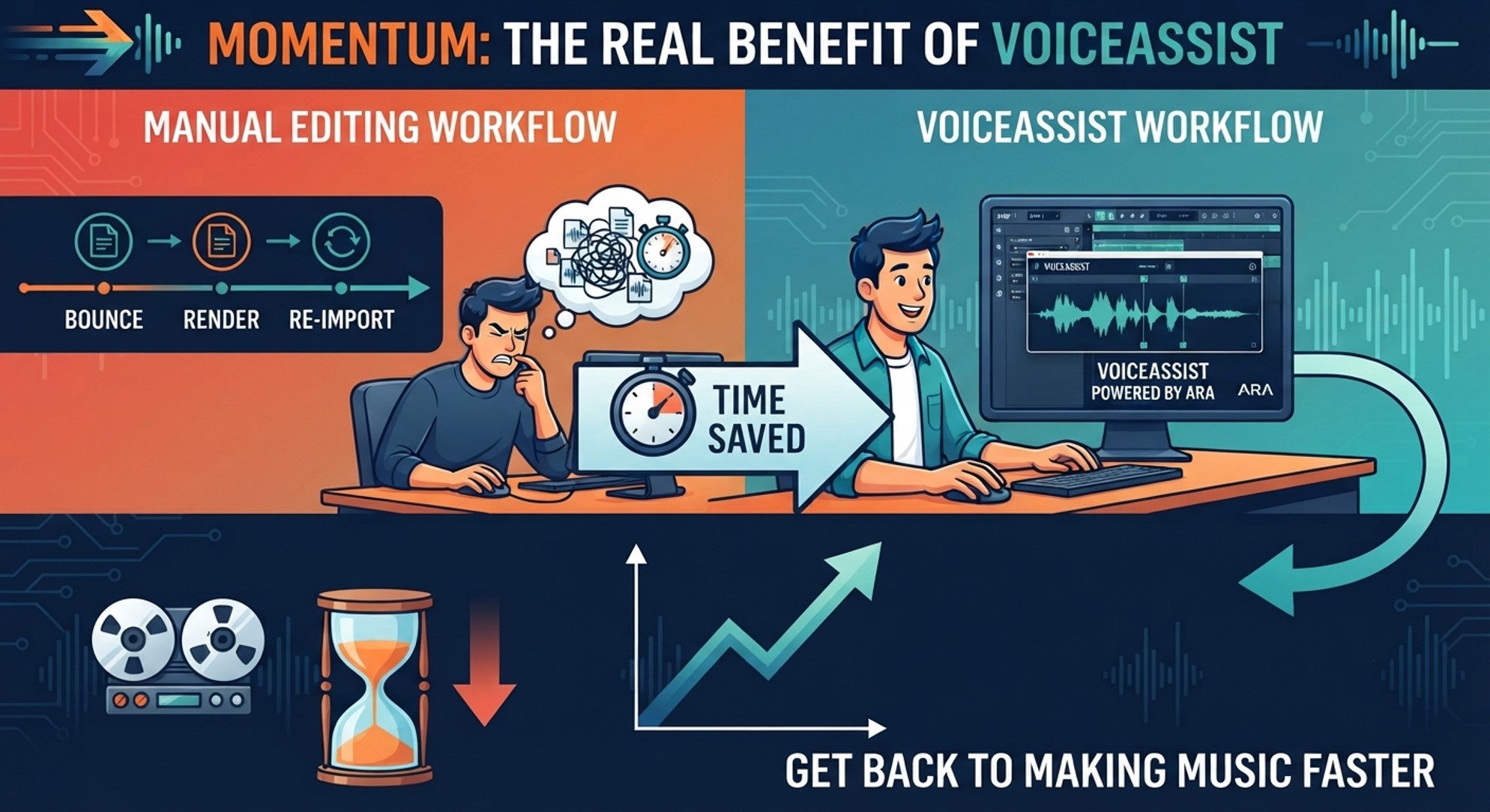
This is the part that doesn't appear on a plugin specification sheet.
Momentum matters. When you're producing, inspiration doesn't always wait.
You hear something and want to try it. You want to change the arrangement. Try a different vocal effect. Double the chorus. Experiment with harmonies. Every time you get stuck manually cleaning up another vocal phrase, you're interrupting that momentum. VoiceAssist helps remove that interruption. And that can be incredibly valuable. Because the goal isn't simply to finish the vocal editing faster.
The goal is to get back to making music faster. ARA Keeps You in Your DAW
VoiceAssist is built around ARA integration, allowing it to work directly with compatible DAWs rather than forcing you through a constant bounce, render and re-import workflow. Current supported ARA hosts include Pro Tools, Cubase, Nuendo, Reaper, Studio One, LUNA, Logic Pro, Samplitude and Sequoia, with version requirements varying by DAW. For sessions containing dozens of vocal tracks, that matters. You don't want to export audio, process it somewhere else, import it again, check it, make a change and repeat the process.
You want to work. VoiceAssist is designed around that workflow.
The Producer's Secret Weapon Might Be the Boring Stuff.
The best production tools aren't always the ones that create the most obvious effect. Sometimes they're the ones that quietly eliminate the work you didn't want to do in the first place. That's what makes VoiceAssist so compelling. It doesn't replace your creative decisions. It doesn't decide what your vocal should sound like. It doesn't replace your favorite compressor, EQ or effects.
Instead, it prepares the vocal so you can make those creative decisions without fighting the recording, and when you're working on 20, 30 or 50 vocal tracks, the minutes saved on each track start adding up very quickly.
That's hours you can spend on the music instead.
More Producing. Less Editing.

Every producer has a list of things they have to do that they'd rather not do. Vocal cleanup is usually somewhere near the top. NoiseWorks VoiceAssist takes many of those repetitive tasks and puts them into one intelligent workflow.
Clean the recording.
Control the noise.
Restore detail.
Manage the low end.
Level the performance.
Tame the sibilance.
Control breaths.
Remove mouth noise.
Then get back to the part of the job that actually brought you into the studio.
Making the record.
Because your time is better spent making creative decisions than drawing clip-gain curves.
NoiseWorks VoiceAssist. Less editing. More producing.
Author

Peter Natale
Peter Natale is a JUNO-nominated songwriter and producer from Toronto who has collaborated with renowned artists including Nick Carter, Adina Howard, God Made Me Funky, and Jully Black. In 2016, he co-founded Sun Dragon Creative, where he is actively developing innovative music plugins focused on enhancing workflow and creativity for modern producers. Today, he brings that same passion and industry insight to his role as an Account Manager at Music Marketing, where he partners with some of the most forward-thinking music software brands, helping drive growth and connect cutting-edge tools with creators around the world.