From Stereo to 3D: How to Start Mixing in Immersive Audio
- by Peter Natale
- From The Producer's Desk
Immersive audio isn’t just a buzzword anymore, it’s quickly becoming part of the modern producer’s toolkit. As platforms evolve and listeners expect more engaging experiences, especially on headphones and spatial-enabled systems, the way we approach mixing is changing.
What used to be a left-and-right conversation is now about space, movement, and dimension. The exciting part is that you don’t need a high-end studio or a complex speaker array to start benefiting from these ideas. With the right mindset and tools, you can begin creating depth and immersion right now, even inside a standard stereo session.
Understanding the Basics: Stereo vs. Immersive
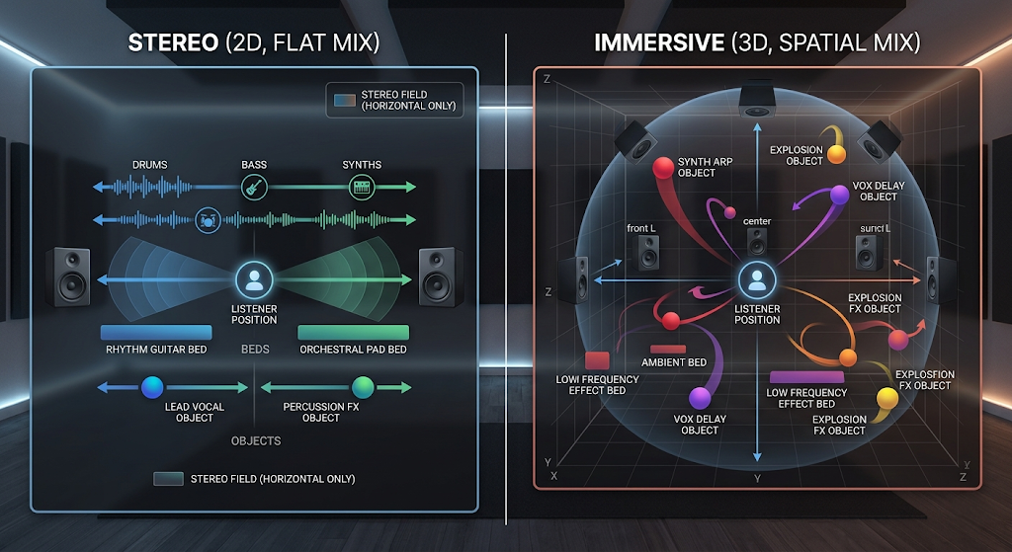
Traditional stereo mixing operates on a horizontal axis. You’re balancing sounds between left and right, occasionally using volume and reverb to suggest depth. While this works, it’s still fundamentally a “flat” experience.
Immersive audio expands this into a three-dimensional field, left to right, front to back, and top to bottom. Instead of stacking sounds, you’re placing them.
At the center of this approach are beds and objects, and understanding them unlocks everything:
Beds (Your Foundation)
Beds act as the anchor of your mix. Think of your drums, bass, and core harmonic content living here. In immersive formats, these are often routed to a multi-channel “bed” that creates a stable, consistent environment.
In practice, even in stereo, this means keeping your foundational elements grounded and cohesive. You don’t want everything moving. You want a solid base that the listener can latch onto.
Objects (Your Movement & Interest)
Objects are where immersive mixing becomes exciting. These are individual elements that can move freely through space, vocals, effects, transitions, textures.
The key is contrast: if everything is moving, nothing feels special. But when you isolate movement to specific elements, you create moments that feel dynamic and intentional.
The Big Shift
Immersive mixing isn’t about adding more, it’s about distributing sound more intelligently. Once you stop thinking in terms of “louder vs quieter” and start thinking “closer vs farther” or “static vs moving,” your mixes naturally become more engaging.
Tools to Get Started
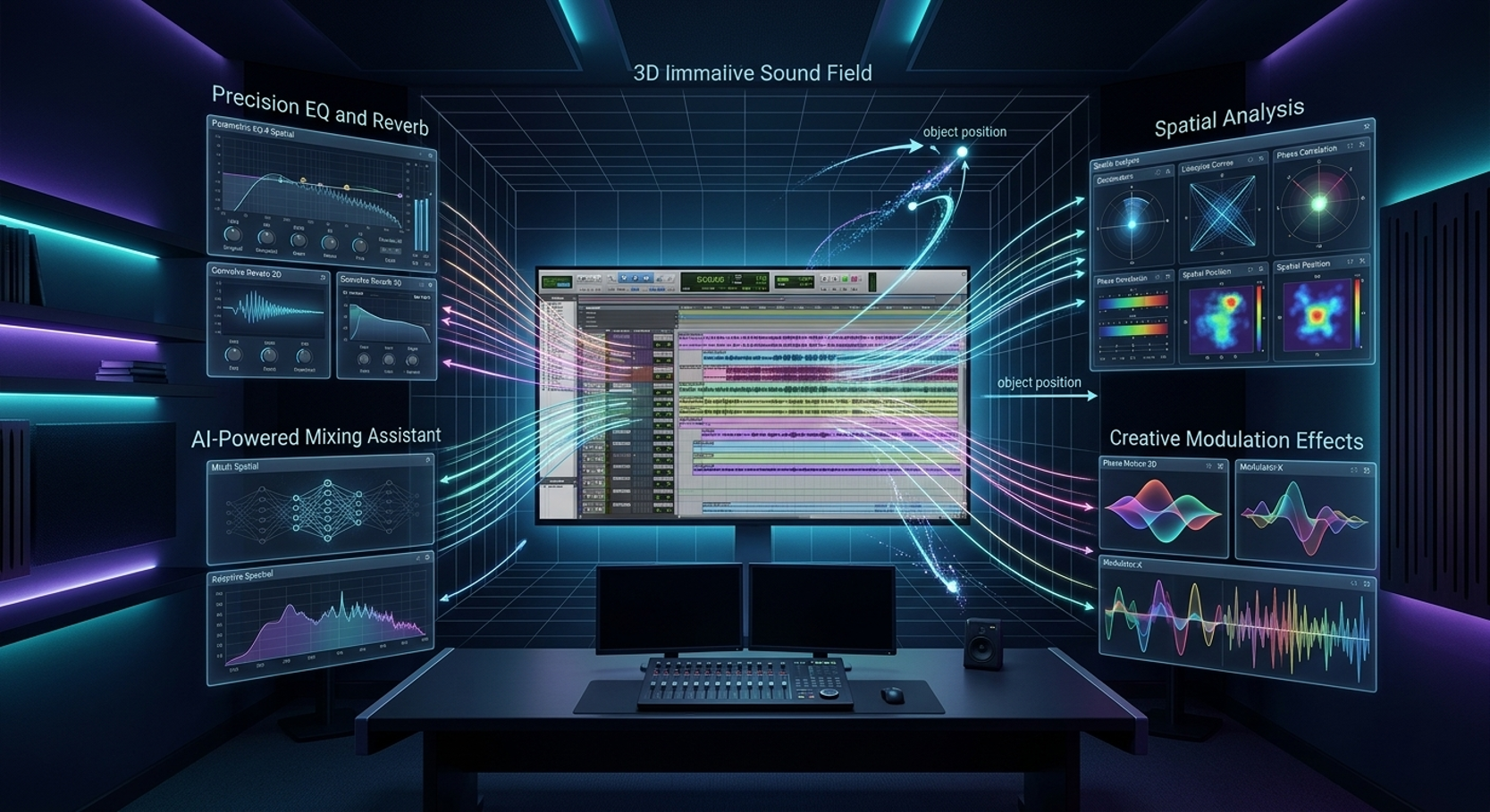
One of the biggest misconceptions about immersive audio is that it requires an entirely new setup. In reality, most of the tools you already use are capable of supporting spatial thinking, you just might not be using them that way yet.
Modern DAWs like Pro Tools and Logic Pro have built-in immersive workflows, allowing you to route sounds into 3D environments, automate movement, and monitor spatial mixes.
But the real advantage comes from pairing your DAW with high-quality plugins.
Precision & Control (FabFilter)
FabFilter plugins like Pro-Q and Pro-R allow you to sculpt space with incredible accuracy. For example, subtle EQ cuts can push elements further back, while clean reverbs help define distance without muddying the mix.
Spatial Accuracy (NUGEN Audio)
NUGEN specializes in tools that ensure clarity, phase coherence, and spatial translation. This is especially important when your mix needs to sound consistent across headphones, speakers, and immersive systems.
Intelligent Mixing (Sonible)
Sonible’s AI-powered plugins analyze your audio and make intelligent decisions about placement, dynamics, and tonal balance. This can speed up your workflow while helping you achieve a more natural sense of space.
Creative Sound Design (U-He & Sugar Bytes)
These brands excel at creating movement and texture. Whether it’s modulation, stereo imaging, or experimental effects, they give you tools to push beyond static mixes.
Why This Matters
You don’t need to master immersive mixing overnight. These tools allow you to gradually introduce depth, width, and motion into your workflow without disrupting how you already work.
Beginner Workflow: Thinking in 3D (Even in Stereo)
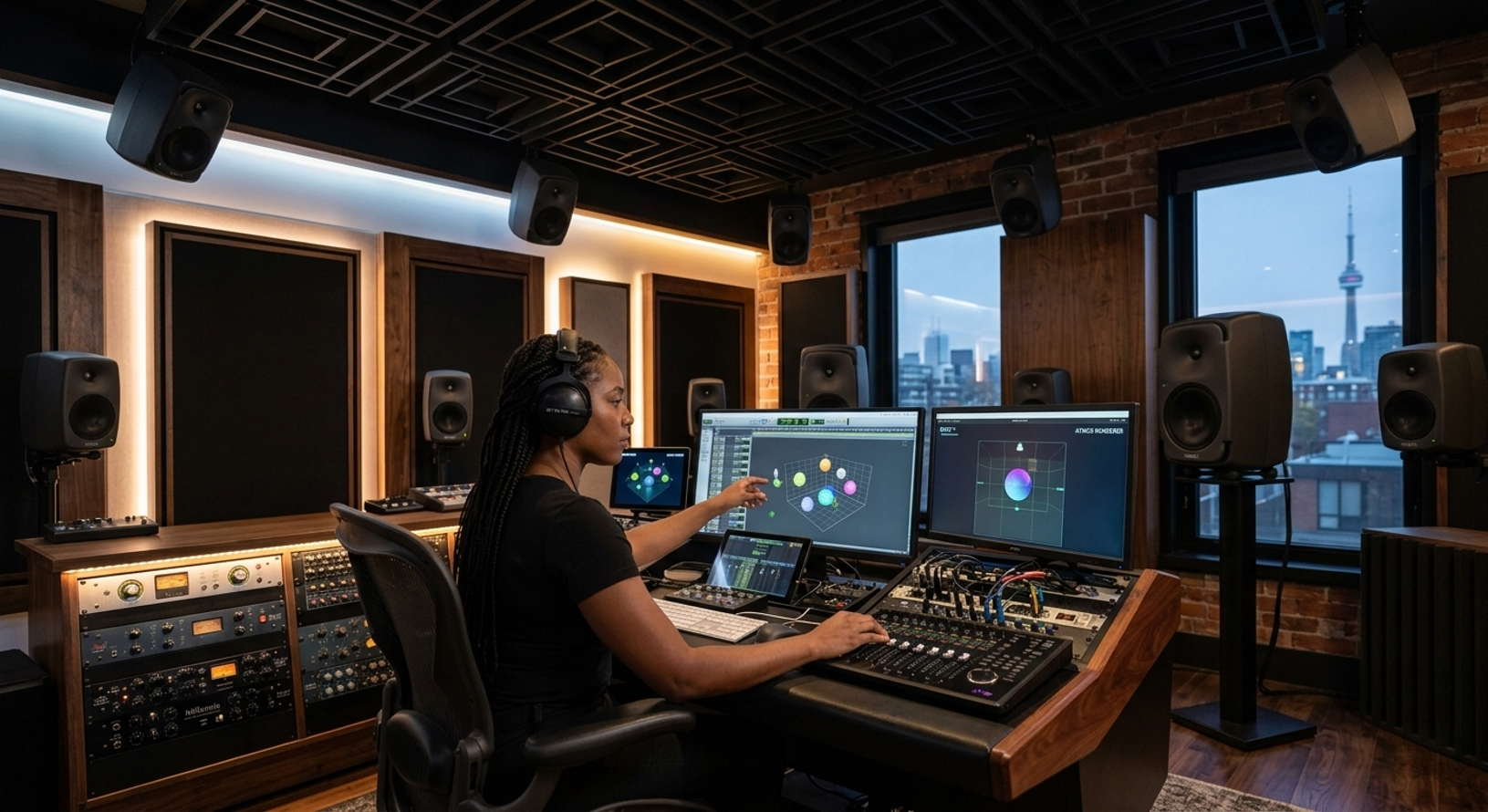
Before diving into immersive formats, the most important upgrade you can make is your mindset. Here’s how to start thinking spatially using the tools you already have:
1. Create Depth First (Front-to-Back Mixing)
Most beginner mixes fail because everything feels equally “close.” Start separating elements by distance:
- Use EQ to roll off highs on background elements
- Add longer reverbs to push sounds further away
- Keep key elements (like vocals and drums) dry and upfront
Plugins like FabFilter Pro-R or Relab reverbs make it easy to control distance precisely.
2. Control Dynamics for Positioning
Dynamics aren’t just about loudness, they affect perception of distance.
- Transient-heavy sounds feel closer
- Compressed, smoother sounds feel further away
Tools from Sonible or Playfair Audio can help shape these dynamics automatically, giving your mix a more natural sense of space.
3. Introduce Movement (But Don’t Overdo It)
Movement is what separates immersive mixes from static ones.
- Automate panning subtly over time
- Use modulation effects for evolving textures
- Add small delay throws or reverb swells for transitions
Plugins from Sugar Bytes are particularly strong here, offering creative ways to introduce motion without chaos.
4. Build Layers with Intentional Placement
Instead of stacking sounds in the same space, assign each one a role:
- Wide pads for atmosphere
- Narrow, centered elements for focus
- Background textures with heavy reverb for depth
This creates separation without needing extreme EQ or volume changes.
5. Always Reference the Listener Experience
Close your eyes and imagine where each sound exists. Is it in front of you? Behind you? Floating above?
Even if you’re mixing in stereo, this visualization dramatically improves your decisions.
Five Plugins That Instantly Add Depth to Your Mix (Even Without Atmos)
You don’t need immersive formats to achieve immersive results. These categories of plugins, many available through your current brand lineup, can transform your mixes immediately.
1. Spatial Reverbs
Reverb is the backbone of depth.
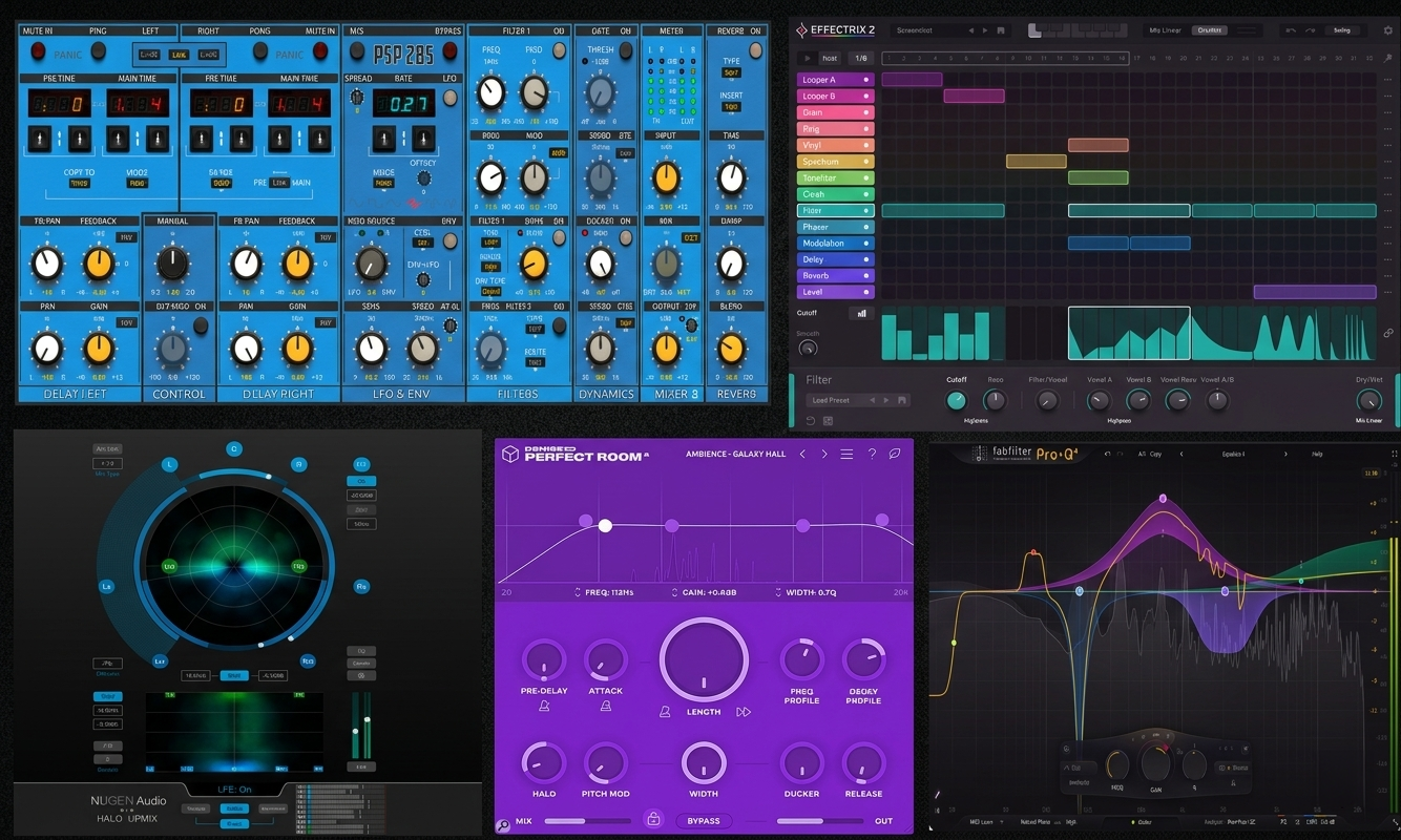
High-quality reverbs from brands like FabFilter allow you to simulate real environments with precision. Instead of just “adding reverb,” think about placing sounds in a room:
- Short, tight reverbs = close proximity
- Long, diffused reverbs = distance
- Shared reverb buses = cohesive space
The goal is to make your mix feel like it exists somewhere, not nowhere.
2. Binaural Processing Tools
Binaural audio mimics how humans hear sound in real life, making it perfect for headphone listeners.
Tools from NUGEN Audio like can help ensure your mixes translate spatially, even without a multi-speaker setup. This is especially valuable today, as most listeners experience music on headphones.
Binaural processing adds subtle cues, timing differences, phase information, that trick the brain into perceiving 3D space.
3. Psychoacoustic Wideners
Width is a huge part of immersion. Psychoacoustic tools from Denise Audio enhance stereo width by manipulating how we perceive sound, rather than just duplicating channels.
Used correctly, they can:
- Make mixes feel larger
- Create separation between elements
- Add excitement without increasing volume
Used incorrectly, they can destroy mono compatibility, so always check your mix in mono.
4. Delay-Based Depth Tool
Delays are one of the most underrated spatial tools.
Plugins from PSP Audioware allow you to create:
- Subtle stereo spread using short delays
- Movement using ping-pong effects
- Depth using filtered, low-level echoes
Instead of hearing delays as repeats, think of them as reflections, like sound bouncing off walls in a real space
5. Modulation & Creative Effects
Static sounds feel flat. Movement creates life.
Modulation tools from Sugar Bytes introduce subtle variations in pitch, timing, and phase that make sounds feel wider and more dynamic.
Even a small amount of chorus or micro-shift can:
- Thicken vocals
- Add width to instruments
- Create a sense of motion
The key is subtlety, these effects should be felt more than heard.
Final Thoughts: Start Simple, Think Big
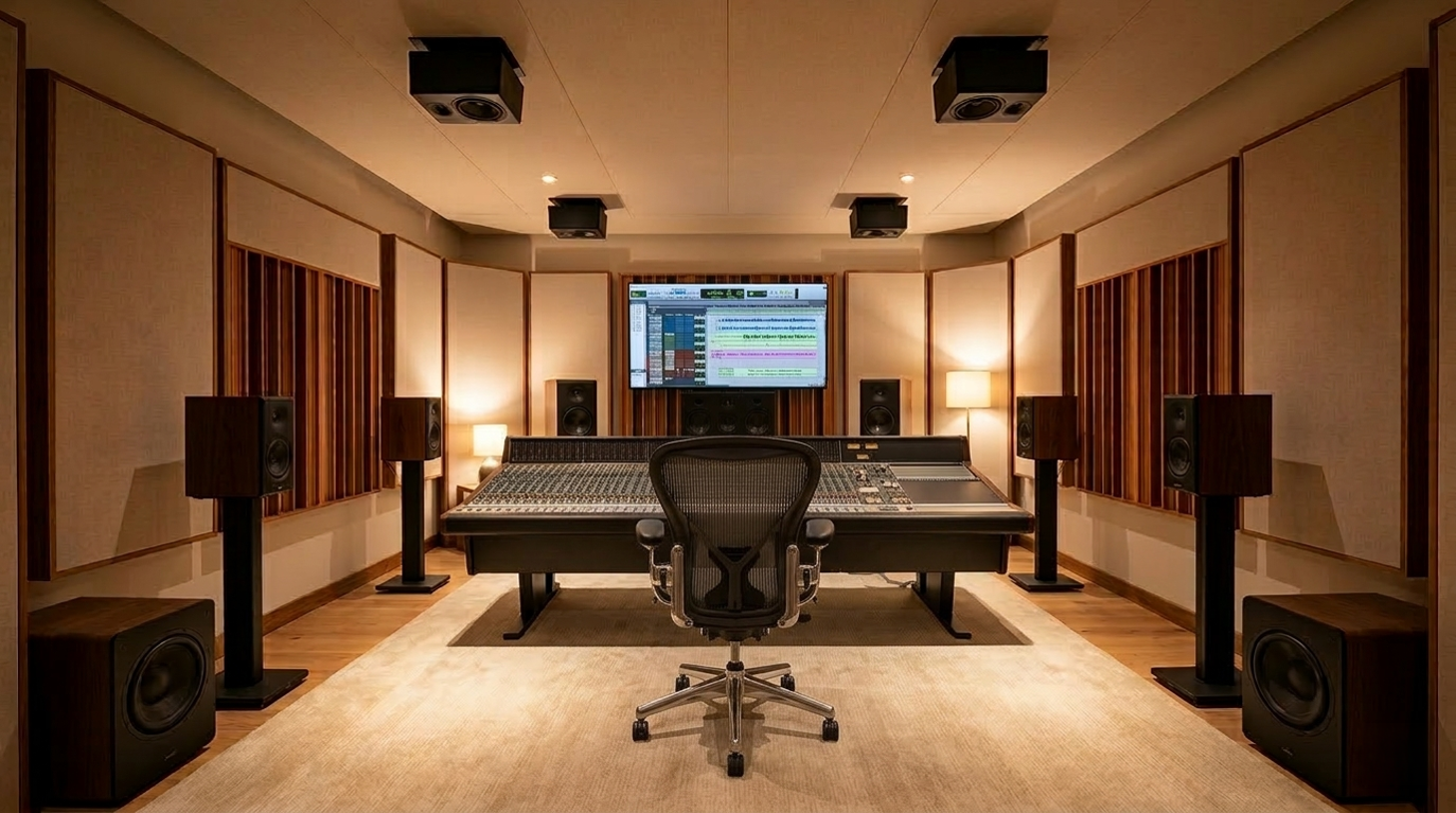
Immersive audio isn’t about abandoning everything you know, it’s about expanding on it.
Start with:
- Better depth using reverb and EQ
- Smarter placement of elements
- Subtle movement and width
As you grow more comfortable, you can explore full immersive workflows. But even if you never touch a multi-speaker setup, adopting a 3D mindset will immediately elevate your mixes.
With the range of tools available through Music Marketing’s brand lineup, you already have access to everything you need to start building more immersive, engaging productions today.
Because at the end of the day, great mixes aren’t just heard, They’re experienced.
Author

Peter Natale
Peter Natale is a JUNO-nominated songwriter and producer from Toronto who has collaborated with renowned artists including Nick Carter, Adina Howard, God Made Me Funky, and Jully Black. In 2016, he co-founded Sun Dragon Creative, where he is actively developing innovative music plugins focused on enhancing workflow and creativity for modern producers. Today, he brings that same passion and industry insight to his role as an Account Manager at Music Marketing, where he partners with some of the most forward-thinking music software brands, helping drive growth and connect cutting-edge tools with creators around the world.